
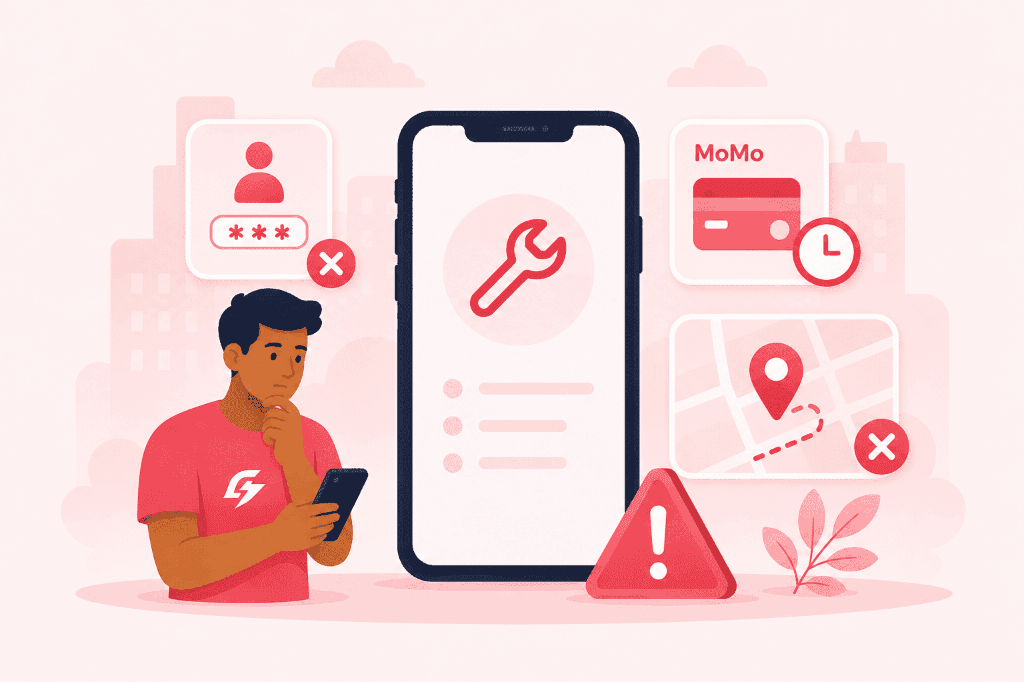
Troubleshooting & Instant Fixes
Diagnostic checklists for SMS OTP delays, Mobile Money push timeouts, and map pins.
SMS OTP Code Not Arriving or Login Delays
Account & SecurityProblem: You entered your Ghanaian phone number but have not received the 6-digit SMS verification code.
Possible Causes
- Carrier network congestion or SMS queue backlog on MTN/Telecel/AirtelTigo
- Do-Not-Disturb (DND) or bulk-SMS filtering enabled on your SIM profile
- Number entered with incorrect leading zeroes or country code
How to Resolve
1Verify number is entered as 10 digits (e.g. 024XXXXXXX) or international (+23324XXXXXXX).
2Wait for the 60-second countdown before tapping "Resend Code via SMS".
3Toggle Airplane Mode ON for 10 seconds, then OFF to force cell tower reconnection.
4Check phone SMS spam folder or blocklist.
If carrier issues persist over 10 minutes, contact support for direct verification.
Support DeskMobile Money USSD Prompt Timed Out or Failed
Payments & BillingProblem: You selected Mobile Money at checkout, but the push authorization dialog did not appear on your phone.
Possible Causes
- USSD gateway temporary timeout due to network load
- Phone screen was locked when prompt was dispatched
- Telecel Cash voucher code expired (5-minute validity)
- Insufficient balance in wallet to cover order + statutory network fee
How to Resolve
1For MTN MoMo: Dial *170# > Option 6 (My Wallet) > Option 3 (My Approvals) > Enter PIN to authorize.
2For Telecel Cash: Dial *110# to generate a new voucher code and retry checkout.
3Confirm wallet balance covers the total order amount.
4If funds were deducted but order is unconfirmed, our auto-reconciliation engine reverses funds within 15–30 minutes.
Keep your MoMo Transaction ID ready when contacting our payments team.
Support DeskInaccurate Delivery Pin or Wrong Address on Map
Navigation & OrdersProblem: Auto-detected map pin is pointing across the street, behind a campus block, or at the wrong gate.
Possible Causes
- Device location accuracy set to "Approximate" instead of "Precise"
- Weak GPS signal indoors or inside dense concrete student hostels
- Generic neighborhood name without landmark details
How to Resolve
1Enable "Precise Location" in your phone’s App Permissions for GrabGo.
2Manually drag the orange pin on the checkout map to your exact building entrance.
3Add a landmark note in delivery instructions (e.g., "Opposite UCC Science Block" or "Behind Shell Garage").
You can directly call your rider once assigned to guide them to your gate.
Support DeskDelivery Taking Longer Than Expected or Missing Item
Order Status & QualityProblem: Order is past the estimated arrival time or the bag arrived with an item missing from the restaurant.
Possible Causes
- Heavy rain or unexpected traffic gridlock along delivery corridor
- Kitchen preparation backlog during peak lunch/dinner rush
- Restaurant accidentally omitted a side or beverage during packaging
How to Resolve
1Check the Live Map in the app to see whether the order is "Preparing" or "On the Way".
2Tap the phone icon on the active order screen to speak directly with your assigned rider.
3If an item is missing, take a photo of the bag label and submit via "Report an Issue" in Order History for instant credit/refund.
Our 24/7 hotline (+233 536 997 662) is available for live order escalations.
Support DeskStill experiencing technical difficulties?
Contact our engineering and dispatch team to resolve your issue.
Contact Support Desk